


Running a business comes with countless responsibilities, and managing payments shouldn’t slow you down. QuickBooks Desktop Payments lets you accept credit cards and eChecks/ACH directly inside QuickBooks Desktop, helping you save time, reduce errors, and manage cash flow.
What Is QuickBooks Desktop Payments?
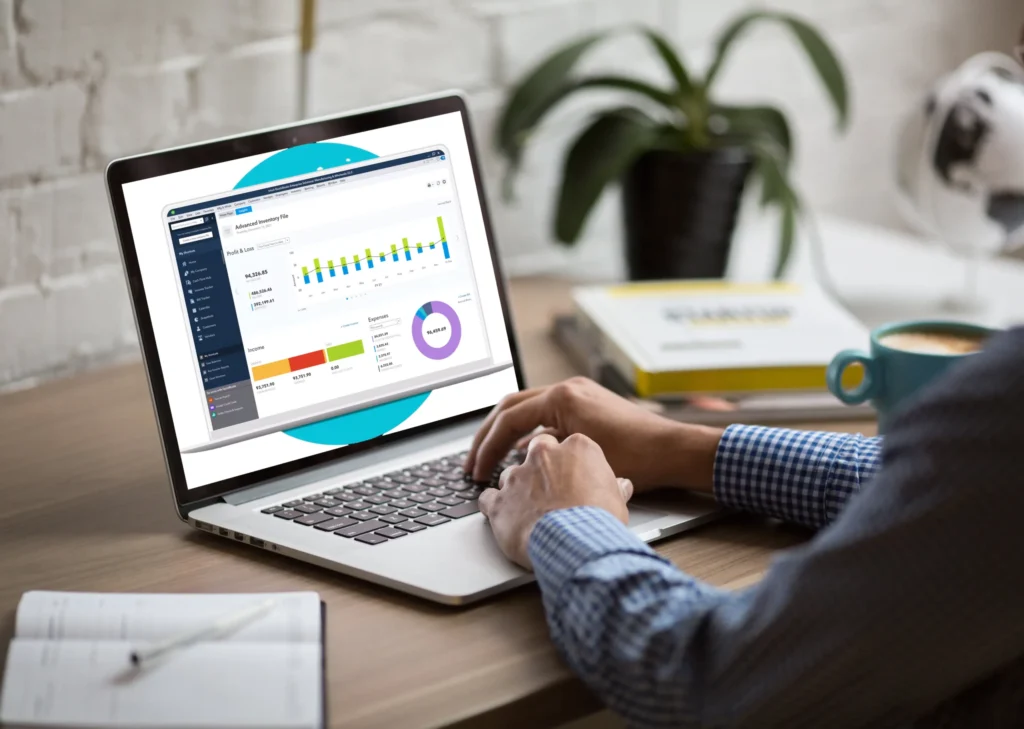
QuickBooks Desktop Payments is a fully integrated solution that allows businesses to process payments without leaving QuickBooks Desktop. Instead of juggling separate payment platforms, you can handle invoices, recurring payments, and transaction reconciliation all in one place. By keeping your payment data connected to your accounting records, you reduce the risk of errors and simplify your financial management.

Key Benefits of QuickBooks Desktop Payments
1. Faster Payment Collection and Improved Cash Flow
With QuickBooks Desktop Payments, you don’t have to chase checks or wait for slow payments. Paygration’s integration lets you send invoices through email with embedded payment links (“Click-and-Pay Invoicing”). Once the customer pays, the invoice is automatically marked as paid inside QuickBooks.
You can also enable features like customer payment portals and payment reminders, which encourage customers to pay on time and help accelerate your receivables. Faster payments mean improved cash flow, giving you more working capital and reducing delays tied to invoice cycles.
2. Lower Processing Costs Through Surcharging and Interchange Optimization
Credit‑card processing fees can cut into profits, especially for businesses with thin margins. Paygration helps you manage that through two proven cost‑reduction tools:
- Interchange Optimization: For B2B or corporate‑card transactions, the system can automatically apply Level 2 or Level 3 data, which often results in lower interchange fees compared to standard consumer‑card rates. Paygration declares savings of up to 0.65% to 1.25% on eligible transactions.
- Customer Surcharging (or Dual Pricing): If you prefer, you can pass processing costs onto the customer by adding a surcharge or technology fee, eliminating out-of-pocket processing costs for you.
Reduced processing costs can significantly improve margins, especially on high‑volume or high‑ticket transactions.
3. Automation and Accounting Accuracy (Less Manual Work, Fewer Errors)
One of the biggest headaches for businesses is manual data entry and reconciliation, which can be time‑consuming and error-prone. QuickBooks Desktop Payments automates much of this for you: as soon as a payment is processed, the transaction syncs back to QuickBooks Desktop.
By using automated invoice workflows, reminders, late‑fee assessments, and recurring billing, you reduce administrative overhead and make sure all accounting records stay up to date with minimal manual involvement.
4. Secure, Compliant Payment Processing
Security and compliance are built in. Paygration’s QuickBooks Desktop Payments is fully PCI‑compliant, uses enterprise‑grade encryption, tokenization, and off‑site data storage to protect sensitive payment data.
That means your business (and your customers) can process payments with confidence, without worrying about data breaches or compliance pitfalls.
5. Better Customer Experience and Convenience
Your customers get a modern, flexible payment experience:
- They can pay instantly through emailed invoices with a “Pay Now” link.
- They get access to a secure payment portal where they can pay current or past invoices, save payment methods for future use, or take advantage of recurring billing if applicable.
For B2B or recurring clients, recurring billing simplifies regular payments, and automated invoice workflows provide timely reminders and late‑fee handling when needed. Doing this makes payments more convenient for customers, reduces friction, and encourages on-time payments, which improves your cash flow and customer satisfaction.
Why Your Business Needs QuickBooks Desktop Payments
Integrating payments directly into QuickBooks Desktop can transform the way your business handles transactions. It saves time, reduces errors, and provides a secure, reliable solution for managing invoices, recurring payments, and late fees. By keeping all your payment and accounting data connected, you improve financial processes and focus more on growing your business.

Take Control of Your Payments with QuickBooks Desktop Payments
QuickBooks Desktop Payments optimizes payment processing, reduces costs, and improves customer experience by integrating all transactions directly into QuickBooks Desktop. Businesses that adopt this solution can automate reconciliation, offer flexible payment options, and secure their transactions.
If your business is ready to save time, cut costs, and manage payments more smoothly, exploring QuickBooks Desktop Payments with Paygration is a smart move. Optimize your payment processes today and take control of your financial workflow. Contact us for more information.